
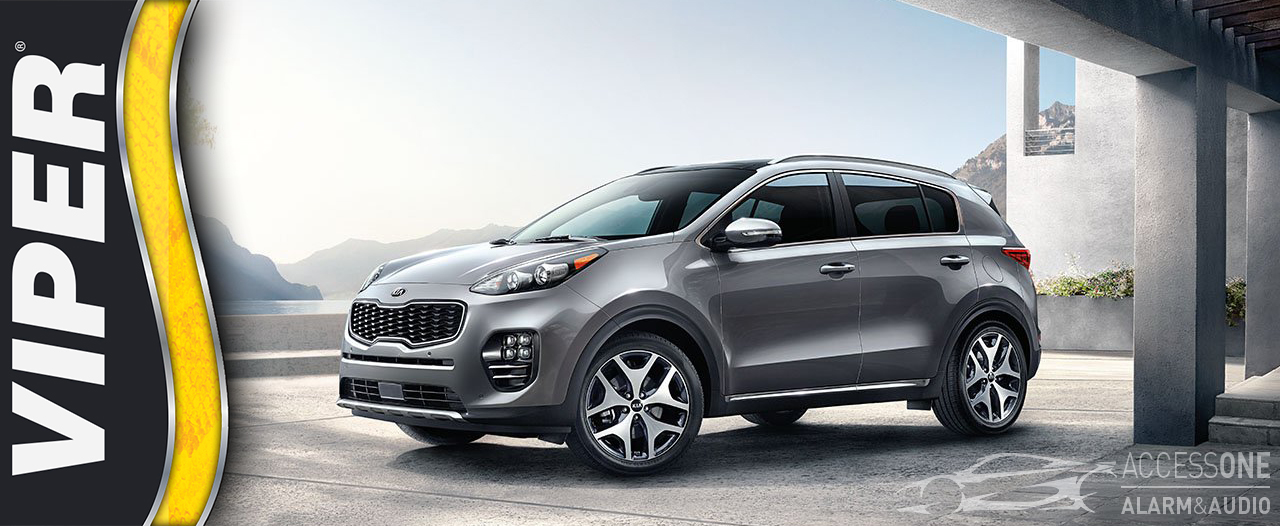
With decades of experience in mobile electronics, vehicle security, remote start, and Viper system installation, I have always wanted the best in audio, video, convenience, and protection for my own vehicles. When it comes to my personal vehicle, I am extremely picky. I want reliability, quality, clean installation, strong security, and the peace of mind that the system will work the way it should.
This article documents a real-world Viper security and remote start installation in my personal 2015 Kia Sportage. The original installation started with a Viper 5606V system and later evolved into a Viper DS4+ security and remote start system. While some products and software have changed over time, the security concepts, installation methods, sensor choices, and system planning are still highly relevant today.
At Access 1 Alarm & Audio, we have spent decades installing vehicle security systems, remote starts, SmartStart smartphone control systems, sensors, sirens, and convenience upgrades. This article is not just theory. It is based on actual installation experience, troubleshooting, testing, and daily use.
When my wife and I purchased a 2015 Kia Sportage with push-button start, proximity key, leather interior, heated seats, AWD, and a factory warranty, I knew there were several upgrades I wanted to make. The audio system could be improved, but one lesson I have learned and preached for years is simple: protect the vehicle first, then add the upgrades.
My goal was peace of mind. I wanted to know that when I left the vehicle parked, I had a better chance of returning to it still there, still intact, and not vandalized, broken into, stolen, or towed. I also wanted notification if something happened while I was away from the vehicle.
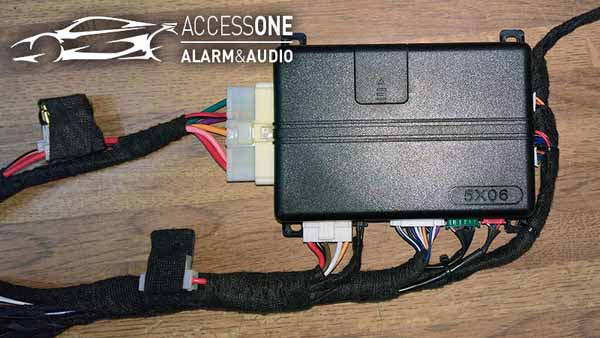
I started with the Viper 5606V security and remote start system. I chose Viper because I have used and installed many different brands over the years, and Viper has earned its reputation for quality, reliability, and strong vehicle security features.
The system was rounded out with additional layers of protection, including a glass break sensor, digital tilt sensor, proximity sensor, rechargeable backup battery, SmartStart GPS smartphone interface, dual-stage shock sensor, and starter interrupt. These added sensors are what help turn a basic alarm into a more complete vehicle security system.
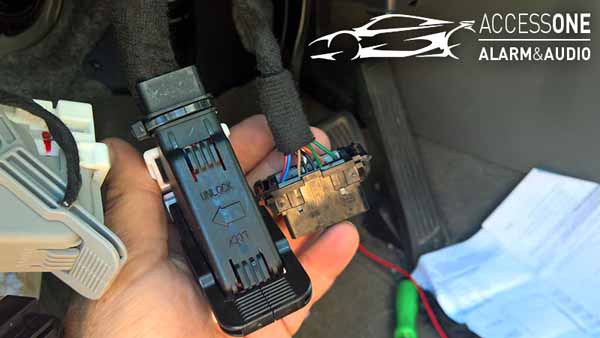
The data interface module acts as the communication bridge between the vehicle and the Viper system. It can allow the remote start and security system to communicate with factory vehicle functions such as door triggers, trunk or hatch status, hood status, door locks, factory alarm arm and disarm, and parking light control.
Without a data module, many of these functions would require running individual wires throughout the vehicle. In modern vehicles, the data module reduces installation time, helps maintain cleaner wiring, and can provide better integration with factory electronics.
At the time of the original installation, I used an iDatalink interface because a Viper-specific data solution was not yet available for my vehicle. The interface worked for many functions, but it also created some limitations and troubleshooting challenges.
My goal was to use the factory Kia proximity remote to arm and disarm the Viper security system and use a three-lock command from the factory remote to activate remote start. For longer-distance control, I planned to use the Viper SmartStart GPS smartphone interface.
With SmartStart GPS, I could check vehicle status, see the vehicle location, lock or unlock the doors, arm or disarm the security system, activate panic, release the hatch where supported, and remote start the vehicle from the smartphone app.
The real strength of a vehicle security system comes from layered protection. A basic alarm is helpful, but additional sensors protect more areas of the vehicle and provide better detection.
When installing a security system, I believe in several important principles: hide the control module, make the wiring look factory, protect the wiring, solder critical connections, and never make the system easy for a thief to find or disconnect.
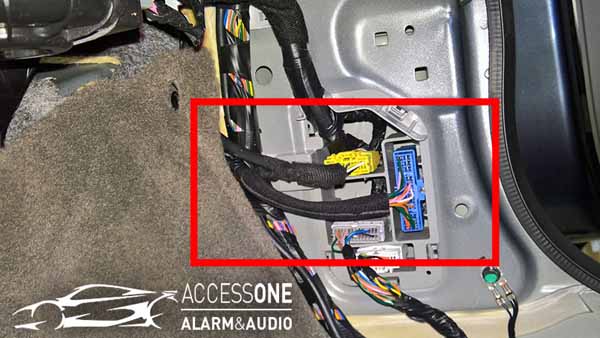
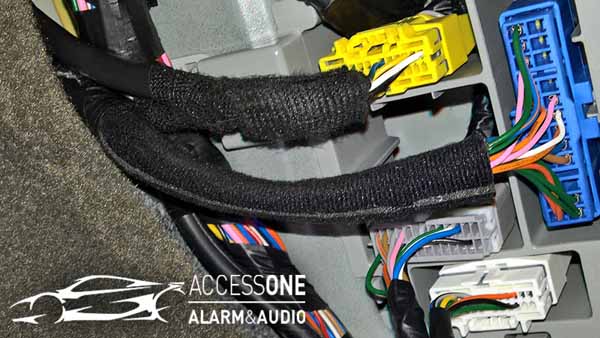
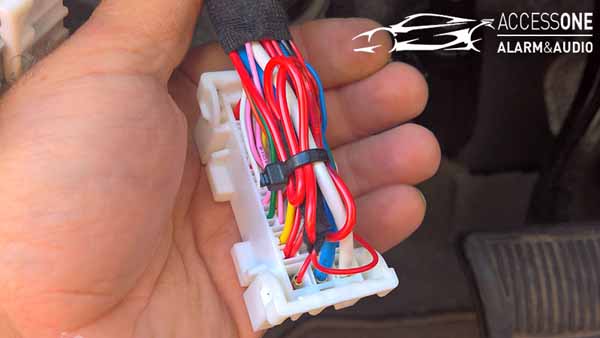
The wiring was planned carefully from the Viper control module outward. Unused wires were removed from the harnesses, wire runs were grouped together, and the harnesses were wrapped with cloth Tesa tape to protect the wiring and make it blend with the factory harnesses.
Longer wire runs were protected in black tubing where needed. The goal was a clean, serviceable, professional installation that would not look like an aftermarket mess under the dash.
The original Viper 5606V system worked, but there were limitations caused by the third-party data interface. The three-lock remote start command from the factory remote did not work as expected. This meant I either had to carry a Viper remote, use SmartStart from the phone, or create a workaround.
Another issue occurred when the factory security system sounded during remote start. The workaround required the Viper system to disarm and unlock before remote starting, then lock and arm again once the vehicle was running. It worked, but it was not the clean factory-style operation I wanted.
Overall, the Viper 5606V itself was a good system, but using two separate manufacturers for the main security system and data interface created troubleshooting challenges. The system protected the vehicle, but it was not as seamless as I wanted.
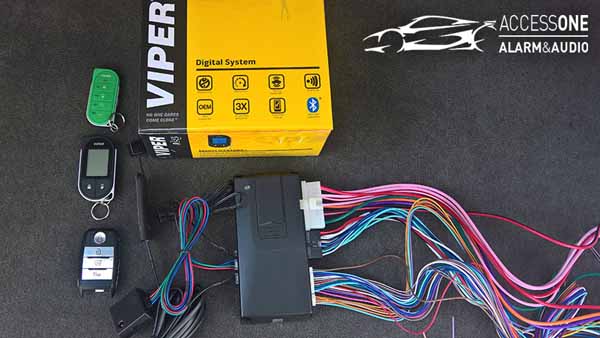
The Viper DS4 platform changed everything. The DS4 and DS4+ systems were designed as modern digital remote start and security platforms with advanced programming, built-in data capabilities, Bluetooth configuration, and vehicle-specific software.
The DS4+ version includes high-current relays for applications that need them. In my vehicle, those high-current wires were not needed, but the DS4+ system worked well for the application.
One of the biggest advantages of the DS4 platform is the ability to configure the system with modern tools and software instead of relying only on older programming devices. Inputs and outputs can be configured in many ways depending on the vehicle and installation needs.
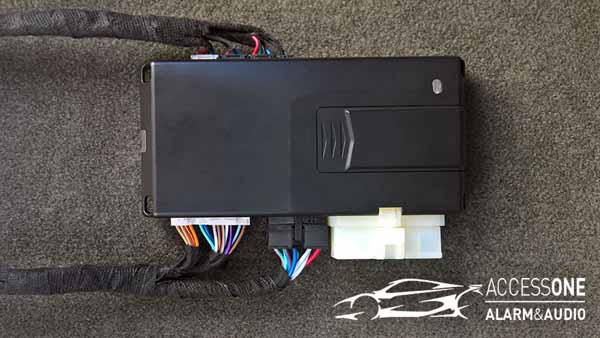
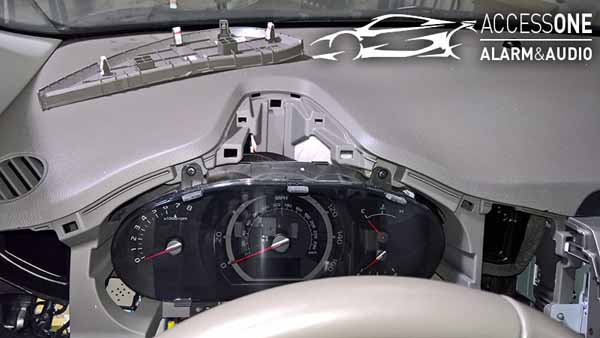
Before installing the DS4+, I flashed the module with vehicle-specific software and reviewed the available options. I removed unused wires from the harness, protected unused connectors, and planned the wiring layout before removing the older system.
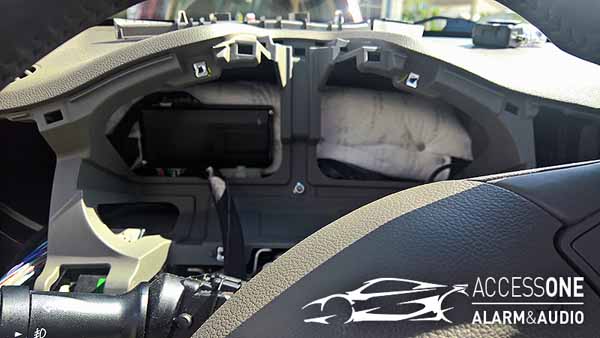
Removing the original installation took time because it had been installed carefully, hidden well, and wrapped like a factory harness. That is good for security but time-consuming when removing or replacing the system.
Like many real-world installations, the project did not go perfectly. During the system swap, I realized I needed the correct SmartStart plug for the DS4+ interface. After leaving to get the proper plug, the hatch accidentally latched with the vehicle powered down, requiring temporary reconnection of wiring and power just to retrieve the system components.
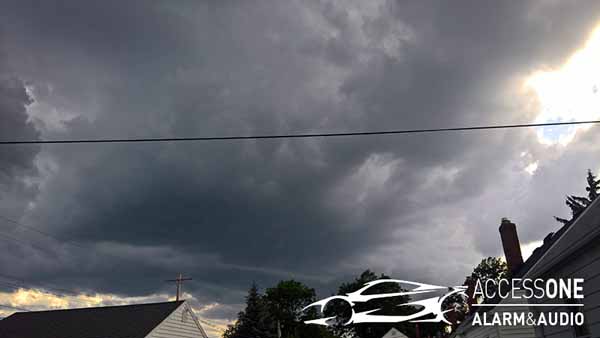
Then, as the vehicle was apart with the battery disconnected, windows down, sunroof open, and wiring exposed, a sudden storm moved in. The vehicle had to be temporarily reassembled quickly to close everything up before the rain hit.
These are the types of situations that remind you why planning, patience, and experience matter during vehicle electronics installation.
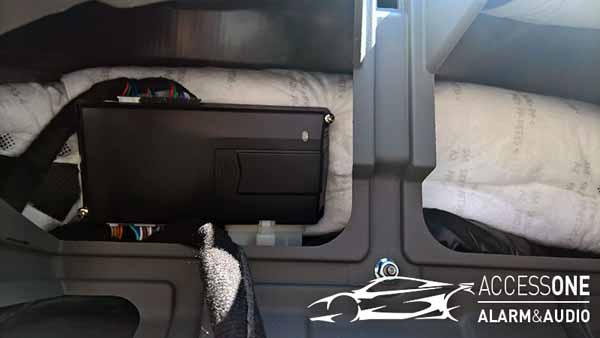
Once installed, the DS4+ system performed the way I originally wanted the vehicle to work. SmartStart worked, lock and unlock worked, and the three-lock factory remote start command worked. Even better, the factory key still allowed entry while the vehicle was running under remote start.
The vehicle takeover process was simple. After entering the running vehicle, pressing the factory push-to-start button properly transitioned the vehicle from remote start operation to normal driving operation.
The system also supported the 2-way LCD remote and 2-way LED remote options, but once everything was configured, I found myself using the factory key and SmartStart more than the Viper remotes.
Pit stop mode allows the vehicle to remain running while the driver exits briefly, such as at a gas station or quick stop. After testing, I was able to make pit stop mode function properly with the DS4+ system and the factory push-button-start vehicle.
Other convenience features included SmartStart control, factory remote start activation, parking light integration, heated seat and defroster control based on temperature, and Bluetooth-based configuration options.
The Viper DS4 platform provided the integration I wanted from the beginning. It worked more cleanly with the vehicle, reduced the need for a third-party interface, supported better programming options, and allowed the factory key and SmartStart to work in a way that felt natural.
The DS4 platform also supports many modern installation advantages, including vehicle-specific software and available T-harnesses for select vehicles. A T-harness can reduce installation time and create a cleaner connection point, but professional installation is still important. Vehicle-specific flashing, programming, wiring, testing, and optional feature integration still require experience.
After a week of daily use, I was extremely satisfied with the DS4+ system. The vehicle remote started properly, the factory key integration worked, SmartStart worked, pit stop mode worked, and the system felt like it belonged in the vehicle.
My daily experience became simple: start the vehicle from Siri, SmartStart, or the factory remote, walk out to a running vehicle, unlock it with the factory proximity key, press the push-to-start button, and drive away. The system felt fully integrated, which is exactly what I wanted.
A properly planned and professionally installed Viper security and remote start system can add serious protection, convenience, and peace of mind. The key is choosing the right system, using the right sensors, integrating it correctly with the vehicle, and installing it in a way that is clean, hidden, reliable, and difficult to defeat.
If you are considering a Viper security system, DS4 remote start system, SmartStart smartphone control, glass break sensor, tilt sensor, backup battery, or complete vehicle security upgrade, Access 1 Alarm & Audio can help design and install the right solution for your vehicle.
Contact Access 1 Alarm & Audio in Cleveland, Ohio for professional Viper car alarm, remote start, SmartStart, and vehicle security system installation.
Yes, for many vehicles the Viper DS4 platform is an excellent choice because it offers modern remote start, security, smartphone control options, vehicle-specific software, and clean integration when professionally installed.
A basic car alarm warns when something happens. A stronger security system adds layers such as starter interrupt, hood and trunk protection, glass break detection, tilt sensing, backup sirens, GPS tracking, and smartphone alerts.
In many applications, a Viper system can work with the factory remote for lock, unlock, arm, disarm, and sometimes remote start activation. Compatibility depends on the vehicle, system, software, and installation method.
Popular sensor upgrades include a glass break sensor, digital tilt sensor, proximity sensor, hood pin, trunk or hatch trigger, backup battery, and backup battery siren. The best options depend on the vehicle and what you want to protect.
Viper SmartStart allows compatible Viper systems to be controlled from a smartphone. Depending on the system and service plan, features may include remote start, lock, unlock, alerts, GPS location, geofence alerts, and vehicle status.
Modern vehicles use complex electronics, data networks, factory security systems, push-button start, immobilizers, and advanced wiring. Professional installation helps ensure the system is integrated properly, safely, and reliably.
Mon-Fri --------------------------- 9am - 5pm
Sat ----------------------------- 10am - 3pm
Sun ----------------------------- Closed


